961A Relative Path for Vue
Create a new file, call it vue.config.js
Add:
module.exports = {
publicPath: ''
}
This overwriting the default value of '/'.
Create a new file, call it vue.config.js
Add:
module.exports = {
publicPath: ''
}
This overwriting the default value of '/'.
Straight from the Apple Support page:
How to create a bootable installer for macOS https://support.apple.com/en-us/HT201372
High Sierra Page https://support.apple.com/en-us/HT208969
High Sierra App Store Link (hidden from standard Search) https://itunes.apple.com/us/app/macos-high-sierra/id1246284741?ls=1&mt=12
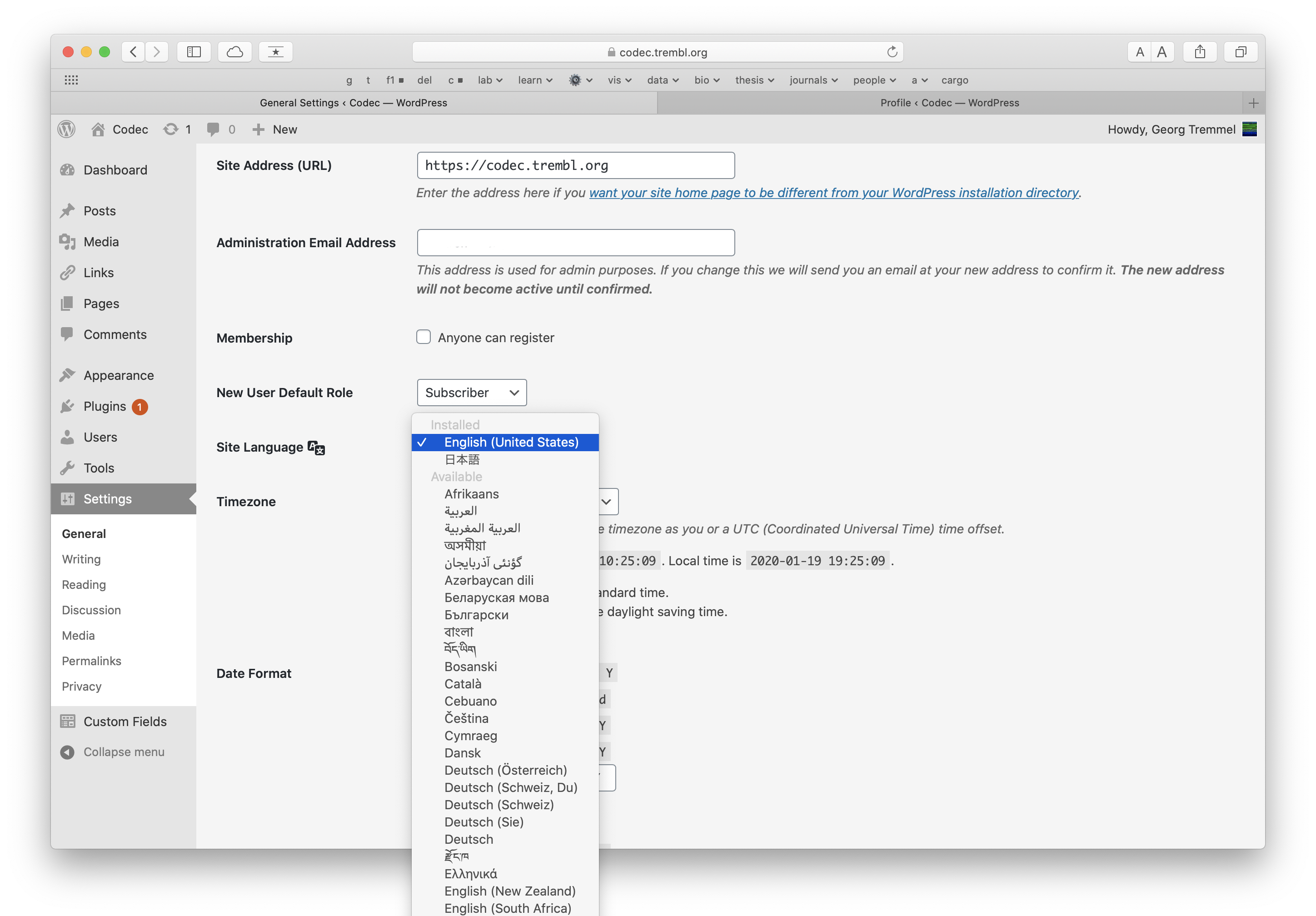
Install additional language:
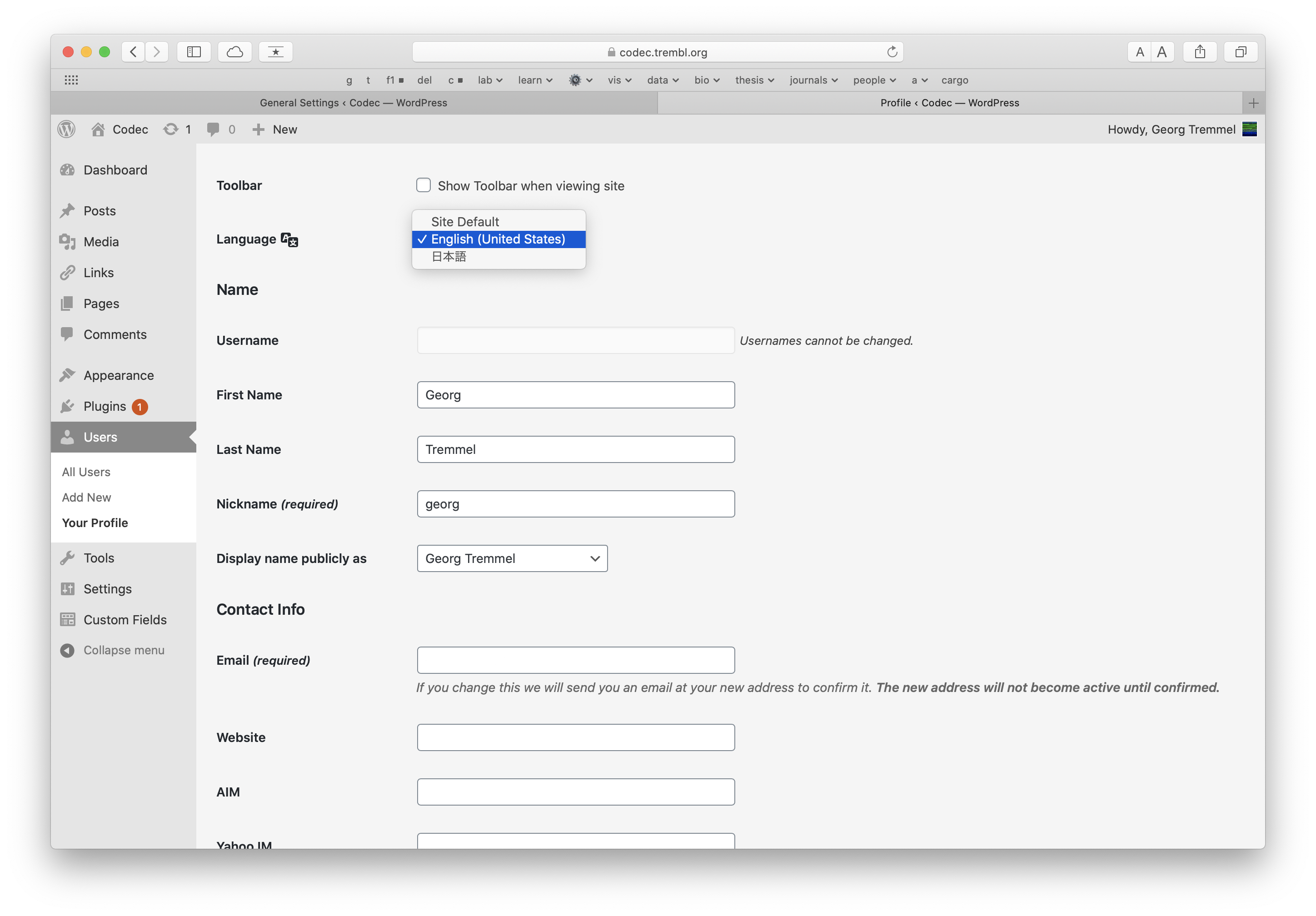
Change user language:
AuthUserFile /path/to/.htpasswd
AuthName "Restricted Access"
AuthType Basic
Require valid-user
Satisfy Any
Deny from All
Allow from 123.456.78.90
Allow IP ranges:
Allow from 123.456.78
Allow from 123.456 The Manjaro Wiki suggests to make a bootable USB Stick like that:
sudo dd bs=4M if=/path/to/manjaro.iso of=/dev/sd[drive letter] status=progress oflag=sync
While this might work on Linux, it does not work with dd on OSX/Darwin. Here are the error messages:
dd: bs: illegal numeric value
bs does not understand M
multiply manually, 4M -> 4 1024 1024 -> 4194304
sudo dd bs=4194304 if=/path/to.iso of=/dev/diskNr status=progress oflag=sync
dd: unknown operand status
dd on OSX does not understand the status flag
remove status flag
sudo dd bs=4194304 if=/path/to.iso of=/dev/diskNr oflag=sync
dd: unknown operand oflag
dd on OSX does not understand the oflag oflag
remove oflag flag
sudo dd bs=4194304 if=/path/to.iso of=/dev/diskNr
dd: /dev/disk4: Resource busy
Unmount disk before use, either via umount or in Disk Utility
And here we have it:
sudo dd bs=4194304 if=/path/to.iso of=/dev/diskNr Environment: OSX 10.15.2
Host test.trembl.org # Hostname
User trembl # Username
IdentityFile ~/.ssh/trembl_rsa # Path to Key
Before config entry:
ssh -i ~/.ssh/trembl_rsa trembl@test.trembl.org
After config entry:
ssh trembl@test.trembl.org
.ssh/config looks up the corresponding IdentityFile and applies the matching IdentityFile for user & host
Adding key to the ssh agent:
ssh-add -K ~/.ssh/trembl_rsa
Check, if the key is present?
ssh-add -l
Response:
2048 SHA256:abcdefghijk trembl@Fischer.local (RSA)
This does not add the key to the Keychain Access App. Does it survive a restart, or will it only be in RAM?
Answer?
Login in via Cyberduck adds Passphrase to the Keychain Access App. Is this persistent?
In your Vue Project, add your favourite CSS Framework vis npm.
npm install tachyons --save-dev
In main.js add:
import 'tachyons/css/tachyons.min.css'
// no need for ./../node_modules/ prefix
Add style.css to /public/:
In /public/index.html reference the Style Sheet:
<link rel="stylesheet" type="text/css" href="style.css">
Update from 864 Pulling a GitHub Repository with Tokens & Webhooks
GitLab requries a gitlab-ci-token: prefix:
$token = 'gitlab-ci-token:abcdefghijklmopq'
git pull does not overwrite any local changed files by default. If you want to overwrite - and loose - any local changes, use:
git reset --hard origin/main
origin/main might be origin/master for legacy repos.
ssh-add locallyssh to your serverssh-add
ssh user@host
git status
git ...
Check status of ssh-add
ssh-add -l
Delete all keys from current process
ssh-add -D